
Making Finance & Accounting Data Ready for AI Automation Step by Step
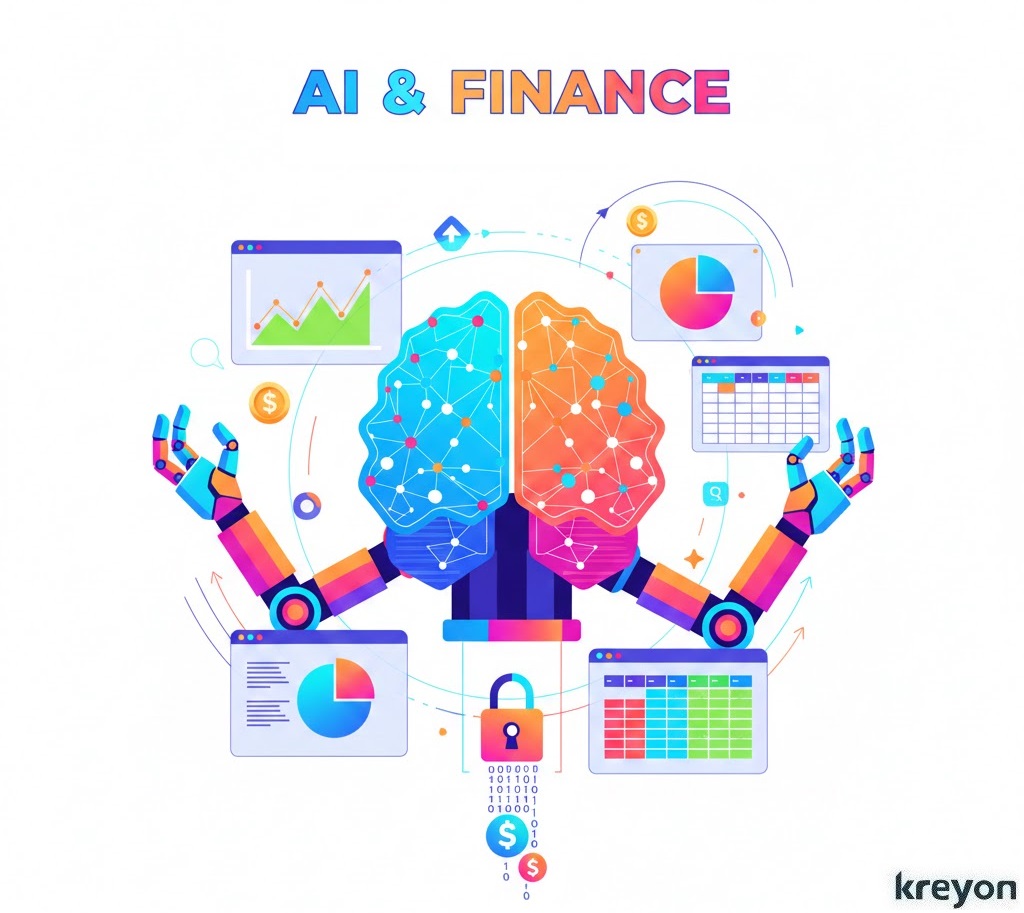
Imagine your finance team spending hours reconciling invoices, chasing down discrepancies, or manually entering data from scattered spreadsheets and PDFs.
Now picture AI handling most of that drudgery, flagging anomalies, predicting cash flows, and generating insights in real time.
The catch? AI can’t work miracles on messy data. Clean, structured finance & accounting data is the foundation for successful AI automation. Without it, even the smartest tools fall flat.
In today’s fast-moving business environment, your Finance & Accounting Data isn’t just rows in a ledger or a pile of spreadsheets. It’s the lifeblood that fuels strategic decisions, predictive analytics, and AI-powered automation.
But here’s the reality: messy, inconsistent, or incomplete data can completely derail even the smartest AI initiatives.
Think about it, trying to forecast cash flow or spot anomalies with duplicate or outdated records is like navigating a city with a broken GPS. You might get somewhere, but chances are it won’t be where you intended, and you could run into trouble along the way.
That’s why preparing your finance and accounting data for AI isn’t just nice-to-have, it’s essential for unlocking efficiency, accuracy, and actionable insights.
In this article, we’ll walk you through a step-by-step approach to make your finance and accounting data truly AI-ready, ensuring your automation projects deliver results you can rely on, scale easily, and trust completely.
Why Finance & Accounting Data Must Be AI-Ready
Finance & accounting data powers everything from budgeting to compliance. Yet much of it lives in silos, legacy systems, unstructured PDFs, or inconsistent Excel files. AI thrives on high-quality, accessible data.
Poor preparation leads to inaccurate predictions, wasted resources, and missed opportunities. Research shows that finance teams adopting AI robustly spend 20-30% less time on data crunching.
They shift focus to business partnering and strategy. But skipping data prep? That’s where many AI initiatives fail. Common pitfalls include waiting for “perfect” data or underestimating integration challenges.
Getting finance & accounting data ready isn’t optional, it’s the key to unlocking automation in reconciliations, forecasting, and fraud detection. Here we assess the key steps in data preparation for AI.
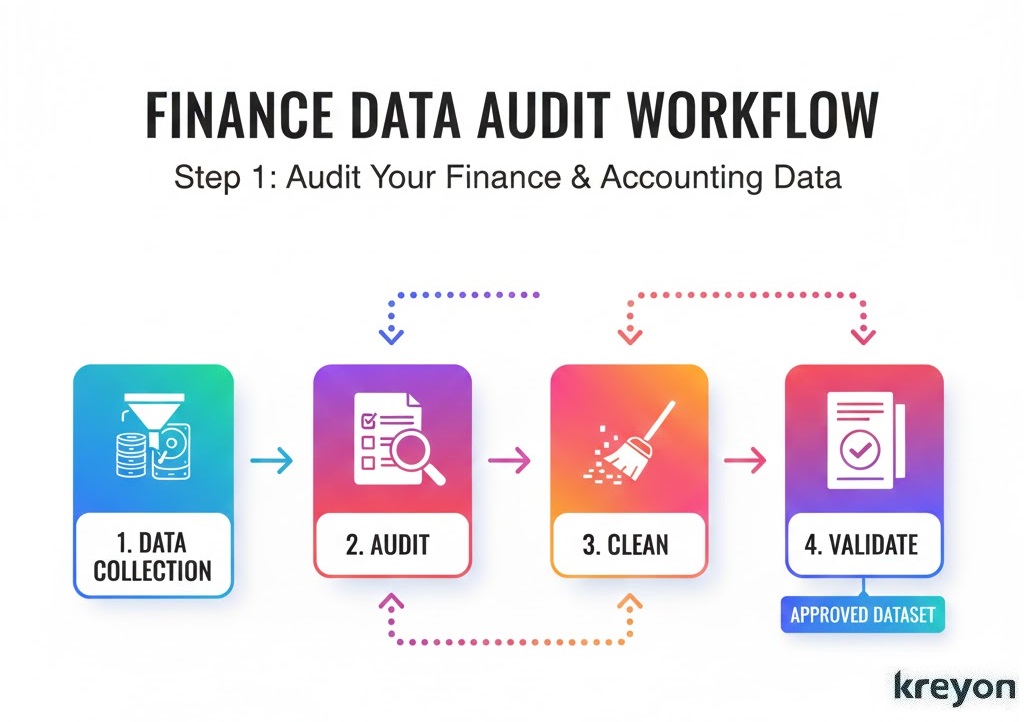
1: Audit Your Finance & Accounting Data
Before diving into AI, take a step back and really look at your finance data, what’s accurate, what’s messy, and what’s somewhere in between. Consider this your data health check.
Start by taking stock. Where does your finance & accounting data live? Is it scattered across ERPs, CRMs, bank statements, and invoices?
Map your processes. Document every step, from data entry to reporting. Identify repetitive tasks prone to errors, like manual transaction matching or invoice processing.
During this audit, focus on spotting:
Duplicate or conflicting records that could distort AI predictions
Missing fields in ledgers, invoices, or payments
Inconsistent formatting across departments or systems
Outdated or stale data that no longer reflects reality
You don’t need a high-tech setup for this. Tools like Excel, SQL, or specialized audit software can help you spot discrepancies efficiently. Clean, compliant datasets are the foundation for any successful AI adoption.
Pro Tip: Keep a running log of issues and rank them by impact. Don’t try to fix everything at once. Start with data that directly feeds critical AI processes like forecasting, budgeting, and fraud detection, the pieces that truly drive business outcomes.
2: Standardize Your Finance & Accounting Data
Once you’ve audited your data, the next step is standardization. AI thrives on consistency. If your datasets have varying formats, think multiple date styles, mismatched currency symbols, or inconsistent account codes, your AI models may stumble.
Focus on these areas:
Dates: Use one format like YYYY-MM-DD across the board
Currency and amounts: Ensure consistent decimal places and currency symbols
Chart of Accounts (CoA): Align naming conventions across all departments
Address unstructured data: Invoices, contracts, & receipts often hide in PDFs. Use OCR tools enhanced with AI to extract & structure this information accurately. Enforce governance.
Vendor and customer names: Avoid variations like “ABC Ltd.” vs. “A.B.C Limited”
Standardized data not only improves AI performance but also makes collaboration easier across departments. Think of it like cleaning up a messy kitchen before cooking: the better organized your ingredients, the smoother the recipe will turn out.
3: Clean and Deduplicate Your Finance & Accounting Data
Duplicate or inaccurate records are the silent killers of AI in finance. AI algorithms are highly sensitive — one duplicate invoice or misclassified transaction can skew results and lead to incorrect decisions.
Here’s how to tackle it:
Use fuzzy matching to detect near-duplicate vendor or customer entries.
Merge duplicates, keeping the most complete and accurate record.
Remove outdated or irrelevant transactions that no longer matter.
Automation tools can handle this at scale, but critical accounts should be double-checked manually. PwC research shows that companies cleaning and deduplicating finance data before AI adoption can see forecasting accuracy improve by 30–50%.
Think of it as pruning a garden. Remove the dead branches and duplicate plants, and what’s left grows stronger and healthier, that’s your finance data ready for AI.
4: Validate and Reconcile Finance & Accounting Data
Cleaning your data isn’t enough, you need to validate and reconcile it. This step ensures your AI models are learning from accurate, complete, and compliant information.
Key checks include:
Do debits equal credits in your ledger?
Do bank statements reconcile with recorded cash balances?
Are invoices and payments correctly categorized?
Are tax codes and regulatory fields accurate?
Modern AI tools can automate reconciliation, flag anomalies, and reduce the need for tedious manual checks. It’s like having a smart co-pilot reviewing your financial flight path, you can focus on strategic decisions instead of micromanaging numbers.
5: Enrich Your Finance & Accounting Data
Once your data is clean and reconciled, it’s time to enrich it. Think of enrichment as giving your AI more context to work smarter.
This might include:
Adding metadata for vendors or customers (industry, region, or segment)
Predicting missing account codes or transaction categories using AI
Adding historical trends for forecasting
Standardizing currency conversions across global operations
With enriched data, your AI can go beyond basic reporting. It can spot trends, detect anomalies, and provide actionable insights that make your finance team look like strategic superheroes.
Once your data is clean and reconciled, it’s time to enrich it. Think of enrichment as giving your AI more context to work smarter.
This might include:
Adding metadata for vendors or customers (industry, region, or segment)
Predicting missing account codes or transaction categories using AI
Adding historical trends for forecasting
Standardizing currency conversions across global operations
With enriched data, your AI can go beyond basic reporting. It can spot trends, detect anomalies, and provide actionable insights that make your finance team look like strategic superheroes.
6: Ensure Compliance and Audit-Readiness
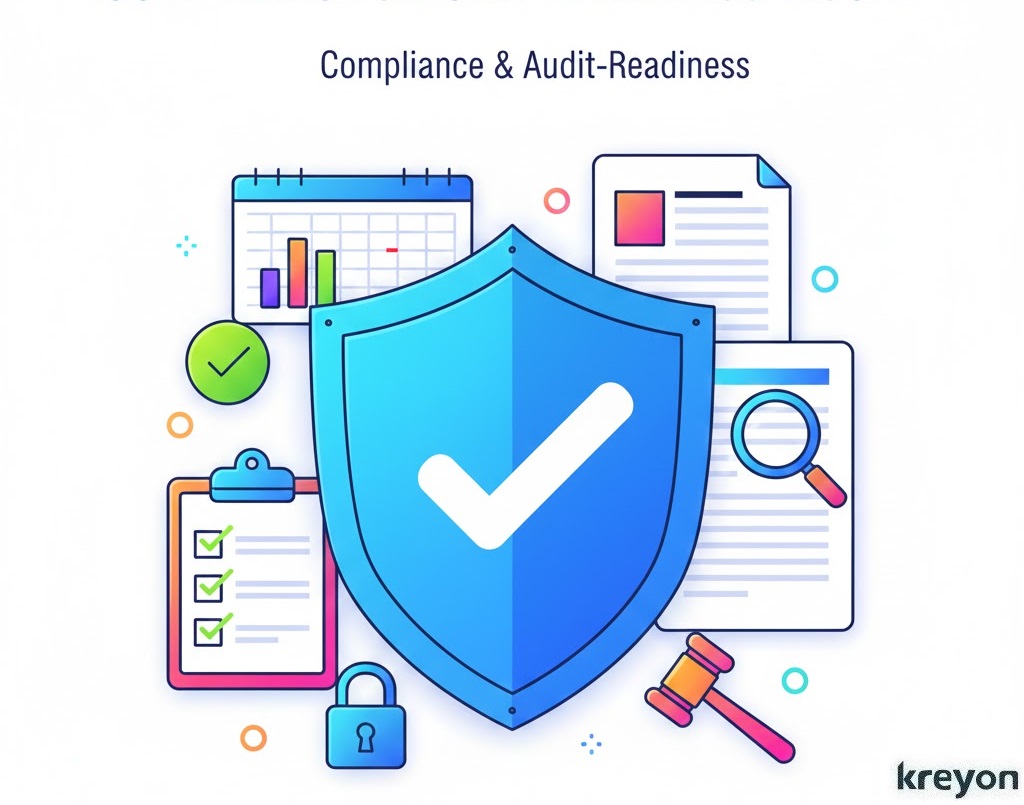
Finance data doesn’t just need to be clean, it needs to be compliant. Regulations like GAAP, IFRS, SOX, and GDPR exist for a reason: protecting your business and your stakeholders.
Before automating with AI, ensure that:
Your accounting entries align with GAAP/IFRS standards
Internal controls are SOX-compliant
Customer/vendor data complies with GDPR or other privacy rules
Every change should leave an audit trail. Think of it as a “paper trail” for AI, auditors and stakeholders want to see that every number has a story and can be trusted.
7: Implement AI-Ready Data Pipelines
Now comes the fun part: building AI-ready data pipelines. A robust pipeline ensures your finance data stays clean, consistent, and enriched automatically.
Think of it in four stages:
Ingestion: Pull data from ERP, CRM, bank feeds, or spreadsheets automatically.
Processing: Apply standardization, deduplication, validation, and enrichment rules.
Monitoring: Keep an eye on data quality, detect anomalies, and auto-fix issues.
Output: Feed the clean data into AI tools for forecasting, anomaly detection, dashboards, and more.
With this in place, your finance team can focus on insights and strategy, leaving repetitive prep work to AI.
8: Test, Iterate, and Monitor AI Performance
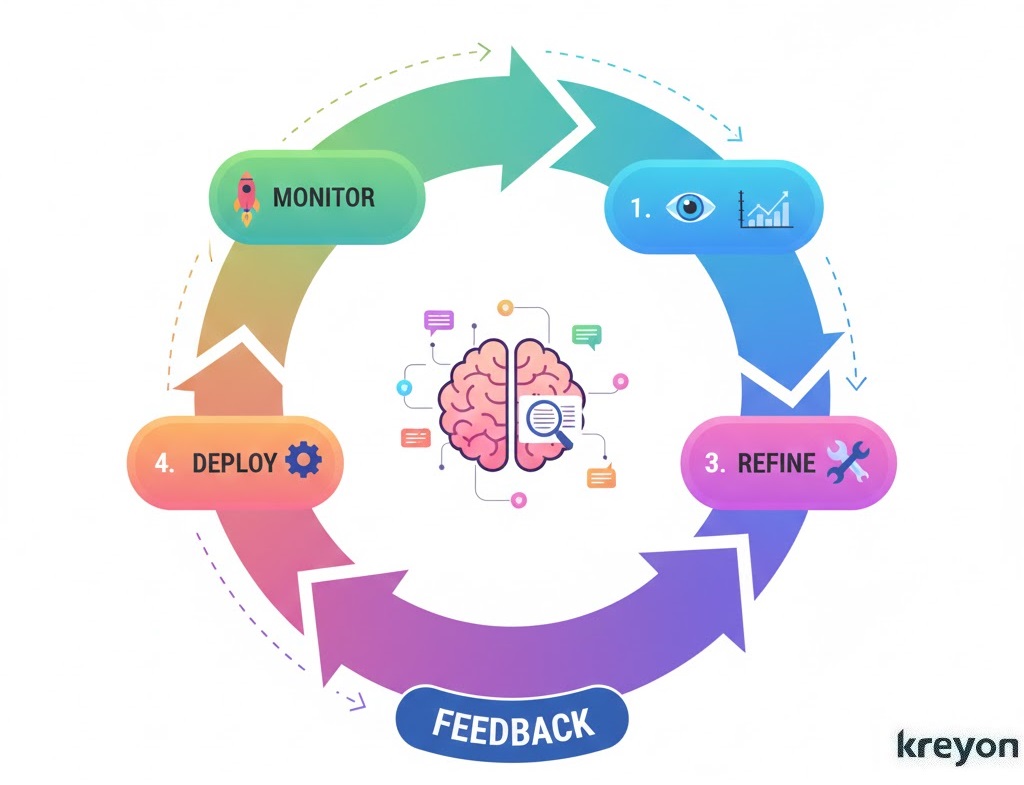
Finally, remember that AI isn’t a “set it and forget it” solution. Continuous monitoring is key.
Test AI predictions against historical data.
Track performance metrics like forecast accuracy or anomaly detection precision.
Adjust cleaning and enrichment rules as patterns evolve.
Human-in-the-Loop, establish a threshold (e.g., 95% confidence). If the AI is unsure about a handwritten invoice, it routes it to a human expert.
This feedback loop keeps your finance data AI-ready, adapting to changes in operations, regulations, and data sources, ensuring your AI initiatives remain reliable over time.
Conclusion: Unlock AI in Finance & Accounting
Preparing your Finance & Accounting Data for AI is more than just a technical exercise, it’s a strategic advantage. Clean, standardized, validated, and enriched data allows your finance team to:
Cut errors and reduce manual work
Accelerate month-end closes
Improve cash flow forecasting and budgeting
Detect anomalies and prevent fraud
Make smarter, data-driven decisions
By following these steps, your business can turn finance operations into an AI-powered engine of insight and efficiency.
Kreyon Systems converts your fragmented financial records into structured, AI-ready datasets. Streamline your accounting workflow and improve compliance using automation. For queries, please contact us.